
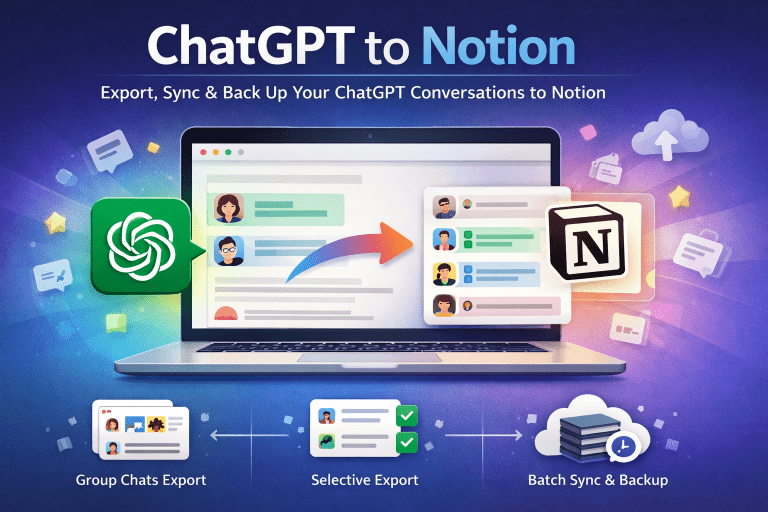
Do your best ChatGPT ideas disappear into a black hole of disorganized chats? Are you wasting time scrolling, copying, and pasting responses into random Notion pages? There’s a better way.
Introducing ChatGPT to Notion—the smart Chrome extension that automatically saves and organizes your AI conversations with zero effort.
🤯 The Problem: Why Your ChatGPT Notes Are a Mess
Let’s face it:
- ChatGPT history isn’t searchable – Lost replies = lost ideas
- Manual copy-pasting wastes time – You didn’t get AI to help just to create more busywork
- No structure – Important insights get buried in endless chats You need a system that captures, organizes, and retrieves ChatGPT conversations—automatically.
✨ The Solution: AI Notes That Organize Themselves
With ChatGPT to Notion, every conversation becomes:
🔹 Searchable – Instantly find any ChatGPT response in Notion
🔹 Structured – Auto-saved with titles, dates, and tags
🔹 Centralized – All AI notes in one place—no more digging through chats
How It Works
- Install the Chrome extension
- Connect your Notion workspace
- Click “Save” – Your ChatGPT chat instantly appears in Notion, perfectly formatted No setup. No manual work. Just AI notes that organize themselves.
🚀 Key Features for Effortless Organization
✅ Automatic Formatting
- Chats save as clean, readable Notion pages (no messy plain text)
- Includes metadata (date, model used, conversation length)
✅ Smart Tagging & Filtering
- Auto-tag by topic (e.g., “Marketing,” “Code,” “Research”)
- Filter by project or priority
✅ Bulk Organization
- Export your entire ChatGPT history into categorized Notion databases
- Perfect for cleaning up months of disorganized chats
✅ Team-Friendly
- Shared Notion workspaces = everyone stays synced
- Great for AI-powered collaboration
🎯 Who Needs This?
✔ Content teams – Organize AI-generated drafts, headlines, and SEO ideas
✔ Developers – Archive code explanations and debugging logs
✔ Researchers – Catalog findings into a searchable knowledge base
✔ Founders & consultants – Systemize AI business insights
✔ Students – Turn ChatGPT study sessions into organized notes
📌 Real-Life Magic
- A marketer saves 30 days of ChatGPT content ideas into a Notion calendar—fully tagged and scheduled
- A startup team centralizes AI-generated customer research—searchable by topic
- A student exports exam prep Q&A into a color-coded study hub
🚀 Get Started in 60 Seconds
- *Install the extension
- Connect Notion
- Click “Save” on any ChatGPT chat Poof! Your notes are now automatically organized.
👉 Try It Free
📚 See Setup Guide
💡 Pro Tip: Build a Self-Organizing AI Library
With all your ChatGPT chats in Notion, you can:
- Search any concept instantly
- Link notes to projects
- Spot patterns across conversations Stop wasting time organizing—let the tool do it for you.
#ChatGPT #Notion #Productivity #AIAssistant #NoMoreMessyNotes