
Does Gemini, ChatGPT, or Claude Train on Your Chats?
People have been checking AI privacy settings more closely after renewed discussion about whether paid personal accounts can still contribute chats to service improvement. The controls are easy to miss, and the tradeoff is different on every platform.
This guide compares personal Gemini, ChatGPT, and Claude accounts: whether chats may be used to improve models, what opting out changes, and when you should export first. Workspace, Business, Enterprise, and Edu policies are separate. Every policy claim below links to an official source. Last verified: November 5, 2026.
The short version
| Product | Trains by default? | Opt-out control | History after opt-out | Retention highlights |
|---|---|---|---|---|
| Google Gemini AppsPersonal Google Account (signed in) | Yes, when Keep Activity is on (on by default for users 18+). | Keep Activitygemini.google.com → Settings & help → Activity → Turn off Keep Activity | Future chats do not appear in Gemini Apps Activity. Google may retain them with your account for up to 72 hours to provide the service, process feedback, and protect users. | Chats reviewed by human reviewers may be retained for up to 3 years and disconnected from your account. Feedback can create a separate exception. |
| ChatGPTPersonal Free / Plus / Pro | Yes. “Improve the model for everyone” is on by default for personal workspaces. | Improve the model for everyoneSettings → Data controls → Improve the model for everyone → Off | Chat history remains. Turning the setting off does not delete or hide saved chats. | Temporary Chat is not used to improve models, is not saved to history, and may be retained up to 30 days for safety. Feedback may allow the related conversation to be used for training. |
| Claude.aiConsumer Free / Pro / Max | You choose in Privacy settings. When enabled, chats and coding sessions may be used for future model training. | Help Improve our AI modelsSettings → Privacy → Help Improve our AI models | You can still use Claude and manage chats. Turning the setting off stops new and previously stored chats being used in future training runs; already-trained models are unaffected. | If training is allowed, de-identified data may be kept up to 5 years in training pipelines. Otherwise, back-end deletion typically occurs within 30 days. Safety-flagged chats may still be used for trust and safety. |
Last verified: November 5, 2026
Google Gemini Apps
Back up before you turn Keep Activity off.
ChatGPT
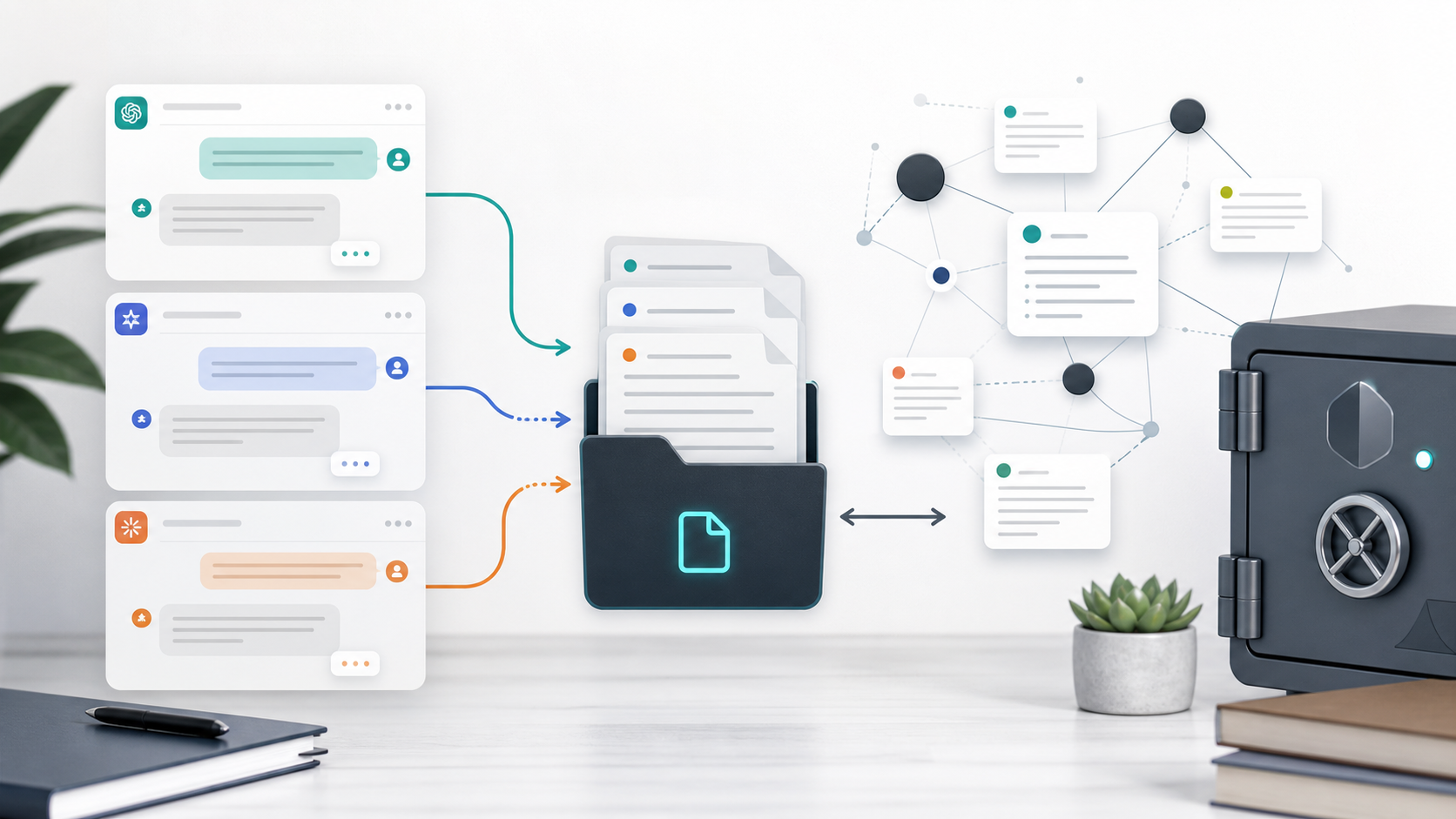
History usually stays after opt-out; export helps create a portable archive.
Claude.ai
Useful before major privacy changes or for a local archive.
The Gemini tradeoff: export before you turn off Keep Activity
Google’s Gemini Apps Privacy Hub says Keep Activity controls whether future chats appear in Gemini Apps Activity and can be used to improve Google services. With the setting off, future chats do not appear in Activity and are not used to train Google’s AI models unless you submit feedback. Google still keeps chats with your account for up to 72 hours so it can provide the service, process feedback, and protect users.
That 72-hour window is not a long-term archive. If older threads, Gems conversations, or project notes matter, use Gemini Export or AI Exporter Hub first. Chats reviewed by human reviewers may be retained for up to three years after being disconnected from your account, so turning off Activity is not the same as instantly erasing every copy.
To change the setting, open gemini.google.com, choose Settings & help → Activity, then turn off Keep Activity. Google also documents a separate “Turn off and delete activity” flow. Read the confirmation carefully before choosing deletion.
ChatGPT: opting out keeps your history
On personal Free, Plus, and Pro workspaces, OpenAI’s Data Controls include Improve the model for everyone. Turn it off under Settings → Data controls and new conversations will not be used to improve OpenAI models. Your regular, archived, and Project chats remain in history.
Temporary Chat is a different mode: it does not appear in history, create or update memories, or improve models while it remains temporary. OpenAI may retain temporary chats for up to 30 days for safety. OpenAI also says that submitting thumbs-up or thumbs-down feedback can allow the associated conversation to be used for training even after you opt out.
If you want a portable archive anyway, ChatGPT to Notion, ChatGPT to PDF, and ChatGPT to Obsidian cover different destinations.
Claude: a Privacy setting with a retention difference
Anthropic’s consumer privacy settings guide places the control under Settings → Privacy → Help Improve our AI models. Turn it off to stop new and previously stored chats and coding sessions being used in future training runs. Models already trained are not undone, and safety-classifier exceptions can still apply.
Anthropic’s retention explanation says data allowed into model-improvement pipelines may be retained in de-identified form for up to five years. When you do not allow model improvement, back-end deletion typically occurs within 30 days. Incognito chats are not used to improve Claude even when the setting is enabled.
For an archive, compare Claude to Notion, Claude to PDF, and Claude to Obsidian.
Export-before-you-opt-out checklist
The order matters most for Gemini because long-term Activity history stops building when Keep Activity is off.
- Decide what you need to keep. List Gemini chats, Gems conversations, and projects you still need.
- Export with a local-first or destination-clear tool. Prefer Markdown or PDF for a private archive; use Notion when Notion is the destination you want.
- Spot-check the export. Open two or three threads and confirm messages, code, links, and images you care about.
- Then turn off Keep Activity. Use
gemini.google.com → Settings & help → Activity → Turn off(or the delete flow if you also want deletion). - Confirm the tradeoff. New chats will not build long-term Activity history; Google’s approximately 72-hour service retention may still apply.
- Optionally review ChatGPT and Claude. Opt out where you want to, remembering that ChatGPT history usually remains after opt-out.
If history matters, start with Gemini Export or AI Exporter Hub, verify a few results, and then change the setting.
Which exporter should you use?
- Gemini: Gemini Export for a platform-focused workflow, or AI Exporter Hub for multiple AI platforms and destinations.
- ChatGPT: ChatGPT to Notion, ChatGPT to PDF, or ChatGPT to Obsidian depending on where you want the archive.
- Claude: Claude to Notion, Claude to PDF, or Claude to Obsidian.
For the privacy side of export workflows, read Is It Safe to Export ChatGPT Conversations? and How to Export AI Chats Without Uploading Them to Servers.
Sources and scope
This page covers personal accounts and is not legal advice. Policies, product labels, and settings can change, so use the official pages before making a decision:
- Gemini Apps Privacy Hub and Manage Gemini Apps activity
- OpenAI Data Controls in ChatGPT
- Anthropic model-improvement settings and data retention
Privacy settings are yours to choose. When history matters, export first—then opt out.