
Install Perplexity to Notion
Install Perplexity to Notion v3.2, pin it in Chrome, and connect it to a refreshed Perplexity tab
Install from the Chrome Web Store
- Open Perplexity to Notion – Batch Export.
- Click Add to Chrome.
- Confirm Add extension.
- Verify that Chrome shows version
3.2.0or later.
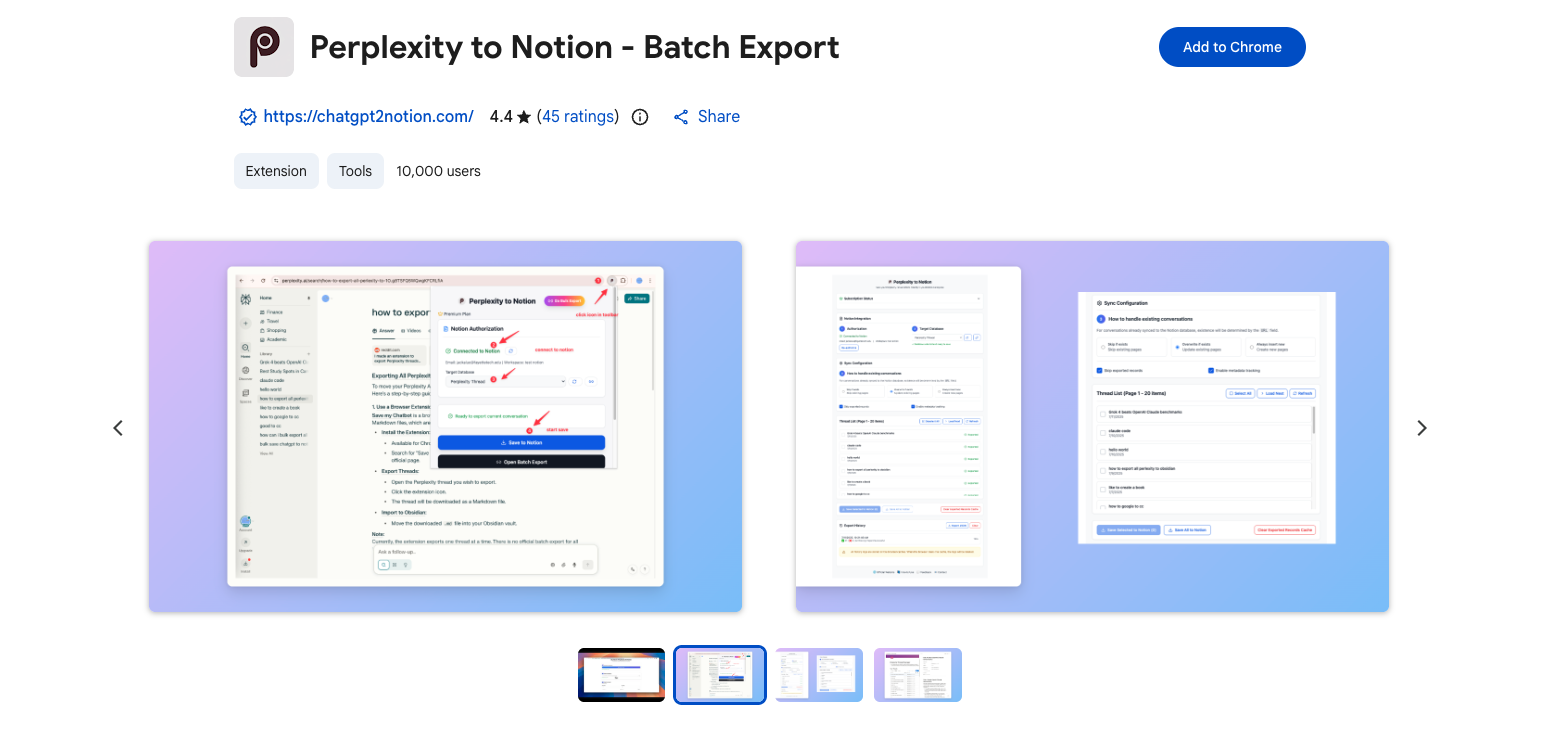
The current Chrome Web Store listing for Perplexity to Notion.
Pin the Extension
- Click Chrome’s Extensions puzzle icon.
- Find Perplexity to Notion – Batch Export.
- Click the pin icon.
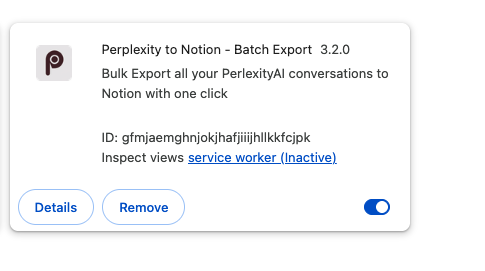
Chrome’s extension details view confirms that Perplexity to Notion 3.2.0 is installed and enabled.
Connect the Perplexity Tab
The content script runs on https://www.perplexity.ai/*.
- Sign in to Perplexity.
- Open a normal search or computer task.
- Refresh that Perplexity tab once after installing or updating the extension.
- Reopen the popup.
Supported current-page URL formats:
https://www.perplexity.ai/search/{thread-id}
https://www.perplexity.ai/computer/tasks/{task-id}
The Perplexity home page, settings page, and other routes are not valid current-page export targets. Batch Export can use any refreshed Perplexity tab because it loads lists through that tab.
Chrome Permissions
v3.2 requests:
storagefor configuration, subscription cache, exported IDs, failures, and historytabsto find the active Perplexity page and open Batch Export or related pages- Host access for Perplexity, Notion API, and the product’s authorization/subscription services
Next Steps
Ready to try Perplexity To Notion?
Open the product page for feature details, screenshots, pricing, and the Chrome Web Store install link.